


10 Best Bookkeeping Software for SaaS Companies in 2026

Last updated on September 4th, 2026

SaaS bookkeeping becomes more demanding as companies scale. Recurring subscriptions, annual contracts, usage-based pricing, refunds, upgrades, multiple currencies, deferred revenue, and complex billing arrangements can make routine bookkeeping considerably more involved. Stripe reported that recurring payment volume processed on its platform was growing 16% faster than one-time payment volume, highlighting the increasing importance of recurring-revenue infrastructure.
Generic small-business accounting platforms can handle basic income, expenses, invoicing, and bank reconciliation, but growing SaaS businesses often need stronger revenue recognition, subscription management, reporting, integrations, and financial controls. The right bookkeeping software should therefore support both today’s accounting requirements and tomorrow’s operating complexity.
This guide evaluates 10 leading platforms in detail for you. Businesses that need additional support can also consider professional bookkeeping services alongside their software stack. For broader guidance, see this resource on choosing the right accounting and bookkeeping services.

Admin2
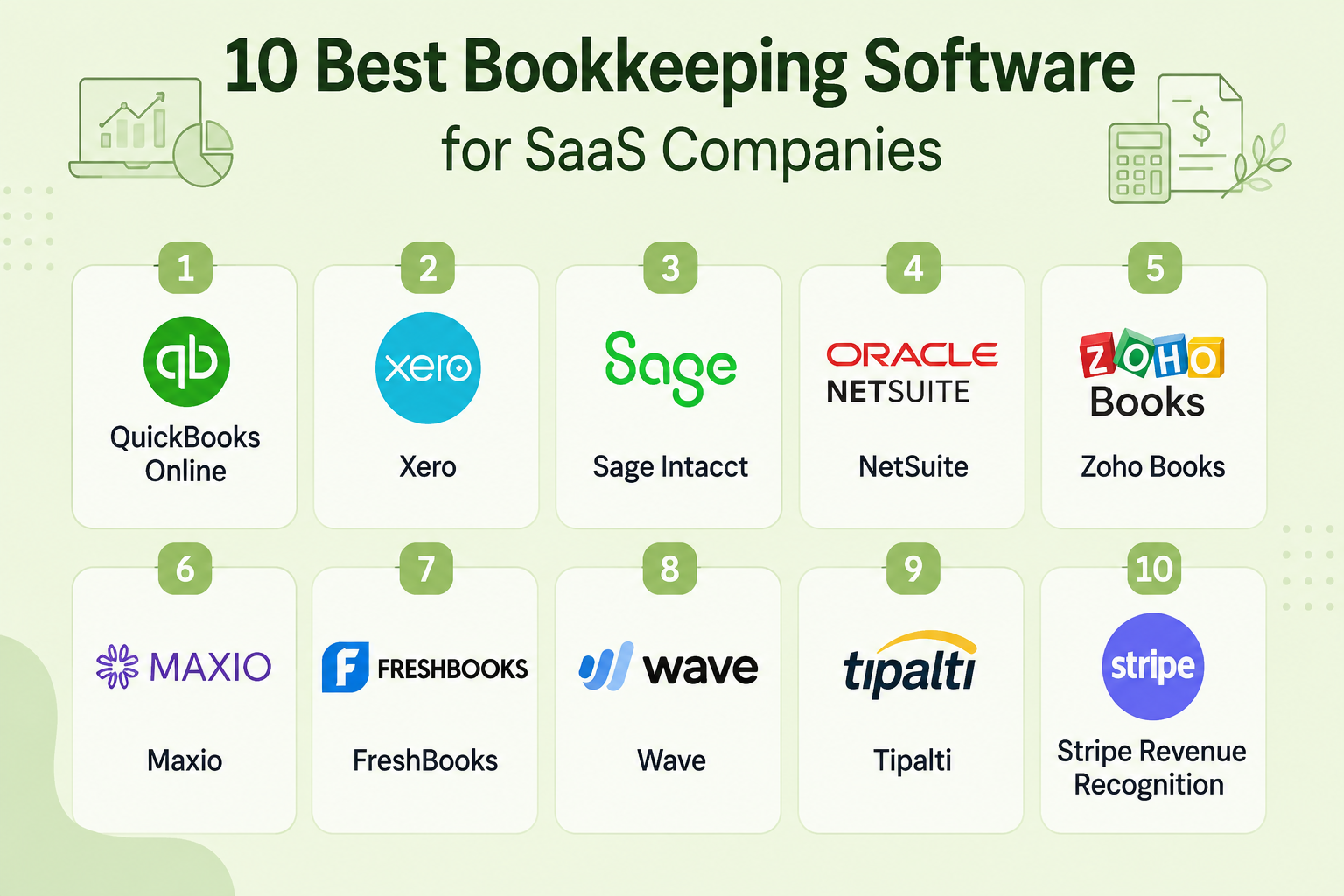
10 Best Bookkeeping Software for SaaS Companies
| Software | Best For | SaaS Fit | Starting Price | Best Stage | Key Strength |
|---|---|---|---|---|---|
| QuickBooks Online | Startups and small SaaS companies | High | From $38/month | Early to growth | Easy accounting and broad integrations |
| Xero | Growing SaaS businesses | High | From $25/month | Early to growth | Collaboration and cloud accounting |
| Sage Intacct | Finance-led SaaS companies | Very high | Custom | Growth to mid-market | Advanced financial management |
| NetSuite | Scaling and enterprise SaaS | Very high | Custom | Mid-market to enterprise | Full ERP capabilities |
| Zoho Books | Cost-conscious startups | High | From ₹899/month in India | Early to growth | Affordable accounting ecosystem |
| Maxio | B2B SaaS with complex billing | Very high | From $5,000/year | Growth to enterprise | Subscription billing and SaaS metrics |
| FreshBooks | Small service-based SaaS teams | Moderate | From $23/month | Early stage | Invoicing and simple accounting |
| Wave | Very small SaaS businesses | Moderate | Free | Early stage | Low-cost basic bookkeeping |
| Tipalti | SaaS companies with complex AP | High | From $99/month | Growth to enterprise | AP automation and global payments |
| Stripe Revenue Recognition | Stripe-powered SaaS businesses | Very high | From $25/month | Growth to enterprise | Automated revenue recognition |
Overall, the best option depends on SaaS maturity. Startups generally need simplicity and affordability, while scaling businesses should prioritize revenue recognition, financial controls, automation, multi-entity support, and integration depth.
Get accurate books, timely reports, and scalable financial support from experienced professionals.
What Makes SaaS Bookkeeping Different?
SaaS accounting differs from conventional small-business bookkeeping because revenue often comes from recurring contracts. Companies may need to pay monthly subscriptions, annual prepayments, usage-based charges, upgrades, downgrades, refunds, discounts, and contract modifications.
For example, if a customer pays $1,200 upfront for a 12-month SaaS subscription, the company generally cannot record the entire $1,200 as revenue immediately. Instead, it recognizes $100 as revenue each month as the service is provided.
SaaS finance teams also need visibility into metrics such as MRR, ARR, churn, deferred revenue, accounts receivable, customer acquisition costs, and cash flow. As transaction volumes increase, manual spreadsheets and disconnected systems can create reconciliation and reporting risks. This is where specialized bookkeeping accounting services and integrated accounting platforms become increasingly valuable.
Companies evaluating outsourcing can review this guide on why outsourcing bookkeeping can be a strategic financial decision before selecting an operating model.
10 Best Bookkeeping Software for SaaS Companies
Let’s see more about the best bookkeeping software in detail.
1. QuickBooks Online
Best SaaS fit: Early-stage and growing SaaS companies that want accessible accounting without enterprise complexity.
Features: QuickBooks Online provides income and expense tracking, invoicing, bill management, bank feeds, financial reporting, receipt capture, tax-related tools, and accountant access. Its higher plans add inventory, project profitability, advanced reporting, and broader workflow capabilities. QuickBooks currently lists Simple Start at $38/month in the U.S.; pricing increases with higher tiers.
Pros: Easy to learn, extensive accountant ecosystem, strong integrations, and suitable for outsourced bookkeeping workflows.
Cons: Advanced SaaS revenue recognition and complex multi-entity accounting may require additional applications or higher-tier solutions.
Pricing: Simple Start starts at $38/month; higher plans currently extend to $340/month after the August 2026 pricing changes for applicable tiers.
Integrations: Stripe, PayPal, Shopify, HubSpot, Salesforce, Zapier, payment platforms, payroll tools, and numerous third-party applications.
Who should avoid it: Larger SaaS companies requiring sophisticated multi-entity consolidation, complex revenue management, or ERP-level operational controls.
2. Xero
Best SaaS fit: Growing SaaS businesses that value cloud collaboration and straightforward financial management.
Features: Xero offers bank reconciliation, invoicing, bill management, reporting, purchase orders, inventory, expense management, cash-flow forecasting, and multicurrency capabilities on higher plans. Its Established plan adds advanced analytics, multicurrency, projects, and employee expenses.
Pros: Unlimited users, strong collaboration, intuitive interface, solid bank reconciliation, and a broad app ecosystem.
Cons: Some advanced SaaS requirements may require third-party applications, particularly for sophisticated revenue recognition.
Pricing: The regular U.S. Early plan is $25/month, Growing is $55/month, and Established is $90/month, excluding applicable taxes and add-ons.
Integrations: Stripe, Shopify, PayPal, HubSpot, Salesforce, payment processors, payroll applications, and specialist finance tools.
Who should avoid it: Enterprises needing extensive ERP functionality, complex consolidation, or highly specialized revenue accounting without supplementary systems.
3. Sage Intacct
Best SaaS fit: Growth-stage and mid-market SaaS companies with finance teams that need stronger controls and reporting.
Features: Sage Intacct focuses on financial management, general ledger, accounts payable, accounts receivable, cash management, reporting, budgeting, dashboards, and dimensional analysis. Its finance-first architecture makes it particularly relevant when basic bookkeeping tools begin limiting financial visibility.
Pros: Strong financial reporting, dimensional accounting, automation, controls, and scalability.
Cons: More expensive and implementation-intensive than entry-level accounting platforms.
Pricing: Custom pricing is common. Sage's UK site currently lists plans starting from £1,000 per month, illustrating its positioning above basic small-business accounting software.
Integrations: CRM, payroll, expense management, payment platforms, billing systems, ecommerce applications, and other business systems.
Who should avoid it: Very small SaaS companies that only need basic bookkeeping, invoicing, and bank reconciliation.
4. NetSuite
Best SaaS fit: Scaling SaaS companies that need accounting, ERP, operational management, and financial consolidation in one platform.
Features: NetSuite combines financial management with ERP functionality, including accounting, reporting, CRM, ecommerce, inventory, procurement, planning, and global business management. Its OneWorld capabilities support multiple currencies and multinational operations.
Pros: Comprehensive ERP functionality, strong scalability, multi-entity support, extensive customization, and centralized data.
Cons: Higher implementation complexity, greater cost, and more internal resources required for deployment and administration.
Pricing: Custom quote based on users, modules, entities, implementation scope, and configuration.
Integrations: CRM, ecommerce, payment systems, subscription billing, planning, warehouse systems, procurement platforms, and numerous SuiteApps.
Who should avoid it: Early-stage SaaS businesses that have limited transaction volume and do not yet require ERP-level capabilities.
5. Zoho Books
Best SaaS fit: Startups and growing businesses looking for affordable cloud accounting within a broader business software ecosystem.
Features: Zoho Books supports invoicing, expenses, bank reconciliation, recurring invoices, reporting, tax management, inventory, projects, and automation. Higher plans add greater transaction limits, users, customization, inventory, and analytics.
Pros: Competitive pricing, broad Zoho ecosystem, useful automation, and strong value for smaller businesses.
Cons: Advanced SaaS revenue recognition and enterprise financial requirements may require additional applications.
Pricing: In the U.S., Zoho Books currently offers a free plan, with paid plans starting at $20/month and higher-tier plans available at increasing monthly rates.
Integrations: Zoho CRM, Zoho Inventory, Zoho Expense, payment gateways, ecommerce platforms, banks, and third-party applications.
Who should avoid it: Large multinational SaaS organizations requiring highly sophisticated consolidation and enterprise ERP capabilities.
6. Maxio
Best SaaS fit: B2B SaaS companies with subscription, usage-based, or hybrid billing models.
Features: Maxio focuses heavily on subscription management, billing, revenue recognition, SaaS metrics, financial reporting, customer subscriptions, and complex pricing models. Its platform is designed specifically around B2B SaaS financial workflows.
Pros: Strong SaaS specialization, subscription billing, revenue recognition, SaaS metrics, and financial reporting.
Cons: More specialized than a general ledger platform and may need to operate alongside broader accounting software.
Pricing: Maxio states that standard pricing starts at $5,000 annually based on trailing twelve-month billing volume.
Integrations: Accounting systems, CRM platforms, payment processors, billing systems, and business intelligence tools.
Who should avoid it: Very early SaaS startups with simple billing models and limited subscription complexity.
7. FreshBooks
Best SaaS fit: Small SaaS companies that prioritize invoicing, expense tracking, client management, and straightforward accounting.
Features: FreshBooks provides invoicing, expense tracking, estimates, payments, financial reporting, time tracking, project management, and accountant access. Its Plus and Premium plans add more capabilities for growing businesses.
Pros: Easy to use, strong invoicing experience, accessible interface, and useful client-facing features.
Cons: It is less suited to complex SaaS revenue recognition, multi-entity accounting, and enterprise finance.
Pricing: FreshBooks currently starts at $23/month for Lite, with Plus at $43/month and Premium at $70/month; Select is custom priced.
Integrations: Stripe, PayPal, Gusto, Shopify, Zapier, payment processors, and other business applications.
Who should avoid it: SaaS companies with complex subscription structures, significant deferred revenue, or enterprise-level financial reporting requirements.
8. Wave
Best SaaS fit: Freelancers, very small SaaS companies, and early-stage businesses with straightforward accounting requirements.
Features: Wave provides invoicing, estimates, bills, bookkeeping records, cash-flow management, expense tracking, and online payment functionality. Its free Starter plan makes it attractive to companies keeping software costs low.
Pros: Free entry-level accounting, simple interface, invoicing, and basic bookkeeping functionality.
Cons: Limited scalability, fewer advanced accounting capabilities, and weaker suitability for complex SaaS finance.
Pricing: Wave's Starter plan is free; its Pro plan is currently $19/month when billed monthly or $190 annually.
Integrations: Payment platforms, banking connections, payroll and expense workflows, and selected third-party applications.
Who should avoid it: SaaS companies requiring advanced revenue recognition, sophisticated financial controls, multi-entity accounting, or extensive automation.
9. Tipalti
Best SaaS fit: Growing SaaS companies managing large vendor volumes, international payments, and complex accounts payable workflows.
Features: Tipalti provides invoice capture, supplier onboarding, approval workflows, purchase-order matching, reconciliation, tax information collection, global payments, and ERP integrations. Its AP automation can complement rather than replace a company's core accounting platform.
Pros: Strong AP automation, global payments, supplier management, ERP connectivity, and scalable financial operations.
Cons: It is primarily an AP and financial operations platform rather than a standalone bookkeeping system.
Pricing: Accounts Payable plans start at $99/month, with additional transaction fees and higher-tier modules available.
Integrations: NetSuite, Sage Intacct, SAP Business One, Microsoft Dynamics 365 Business Central, accounting systems, banks, and payment networks.
Who should avoid it: Small SaaS businesses with few vendors and low accounts payable volume.
For SaaS companies considering outsourced accounting, combining a core accounting platform with specialist bookkeeping support can provide additional capacity without requiring a large internal finance team.
10. Stripe Revenue Recognition
Best SaaS fit: SaaS businesses using Stripe Billing or Stripe Payments that need automated revenue recognition.
Features: Stripe Revenue Recognition automates revenue recognition calculations, supports point-in-time and pro-rata recognition, handles refunds and credit notes, supports multicurrency accounting, and provides revenue waterfalls, journal entries, balance sheets, income statements, and accounts receivable reporting. Stripe states that the platform supports more than 15 pricing models, including usage-based and hybrid models.
Pros: Strong Stripe integration, automated revenue recognition, configurable rules, audit-ready reporting, and support for complex billing models.
Cons: It is not a complete replacement for a general ledger or full accounting platform.
Pricing: Stripe Revenue Recognition starts at $25/month for monthly subscription pricing, with higher tiers based on monthly payment volume. Annual subscriptions start at $190/month.
Integrations: Stripe Billing, Stripe Payments, QuickBooks, Sage Intacct, Wave, Zoho, PayPal, Braintree, and other payment sources.
Who should avoid it: Businesses that do not use Stripe or need a complete accounting and bookkeeping platform rather than revenue recognition automation.
Conclusion
The best bookkeeping software for SaaS companies depends on the company's size, billing model, financial complexity, and growth trajectory. QuickBooks Online, Xero, Zoho Books, FreshBooks, and Wave can serve simpler operations, while Sage Intacct and NetSuite provide deeper financial management. Maxio, Tipalti, and Stripe Revenue Recognition address specialized SaaS requirements around subscriptions, payments, revenue recognition, and financial operations.
Software alone does not guarantee accurate books. Companies should also establish strong reconciliation procedures, revenue recognition policies, reporting controls, and clearly defined ownership of finance processes. For businesses that need additional expertise or capacity, professional bookkeeping services like Vserve can complement accounting software and support scalable financial operations.
Frequently Asked Questions
1. What is the best bookkeeping software for SaaS companies?
QuickBooks Online is best for startups; Sage Intacct or NetSuite suit complex, scaling finance operations.
2. Is QuickBooks good for SaaS companies?
Yes, QuickBooks works well for early SaaS companies needing accessible accounting, reporting, integrations, and collaboration.
3. Is Xero good for SaaS businesses?
Yes, Xero suits SaaS businesses seeking flexible cloud accounting, unlimited users, reconciliation, and broad integrations.
4. What accounting software works best with Stripe?
Stripe Revenue Recognition works well with Stripe Billing, while QuickBooks and Xero handle general accounting.
5. Does SaaS bookkeeping require revenue recognition?
Yes, subscription businesses need revenue recognition to align recognized revenue with delivered services and obligations.
6. How should SaaS companies account for annual subscriptions?
Annual subscription payments should be recorded as deferred revenue, then recognized as service obligations are fulfilled.
7. When should a SaaS startup hire a bookkeeper?
Startups should hire a bookkeeper when transaction volume, reporting demands, or compliance exceed founders’ capacity.
8. Should SaaS startups outsource bookkeeping?
Yes, outsourcing provides specialist expertise, reconciliations, scalable capacity, and better controls without adding full-time headcount.
9. What SaaS metrics should bookkeeping software track?
Track MRR, ARR, churn, deferred revenue, recognized revenue, receivables, cash flow, and customer acquisition metrics.
10. When should a SaaS company move to an ERP?
Services We Provide

Immerss is a live commerce platform designed to change the way DTC brands interact with their customers. With live video, shoppable chat and live streaming the online shopping experience is more interactive and immersive than ever before.

WAPI is a LogisticTech company – fulfillment, marketplace and courier aggregator. WAPI is your tool to enter new markets in just 7 days. They analyze your products and the products of your competitors, develop a strategy, create listings, and launch your sales on the biggest local marketplaces. WAPI prepares your products in accordance to Amazon regulations by storing, checking the quality & quantity, labeling, and shipping to Amazon.
Fulfillment: They store, label, prepare, and pick & pack your products at local warehouses all over the EU.
Final Mile Delivery: WAPI delivers your products to final customers in 24 to 48 hours via post, courier services, parcel terminals, COD and more.

Accelerating growth on Amazon since 2007. eComEngine createsowerful software to help Amazon sellers save time and increase profits. As the top-rated app on the Amazon Selling Partner Appstore, FeedbackFive is trusted by sellers all over the world to request and manage Amazon feedback and reviews. RestockPro simplifies FBA inventory management to help sellers stay in stock without overstocking.

BigCommerce’s mission is to help merchants sell more at every stage of growth, from small startups, to mid-market businesses, to large enterprises. As a leading Open SaaS solution, BigCommerce empowers merchants to build, innovate and grow their businesses online. Simply put, we focus on being the best commerce platform so our customers can focus on what matters most: growing their businesses